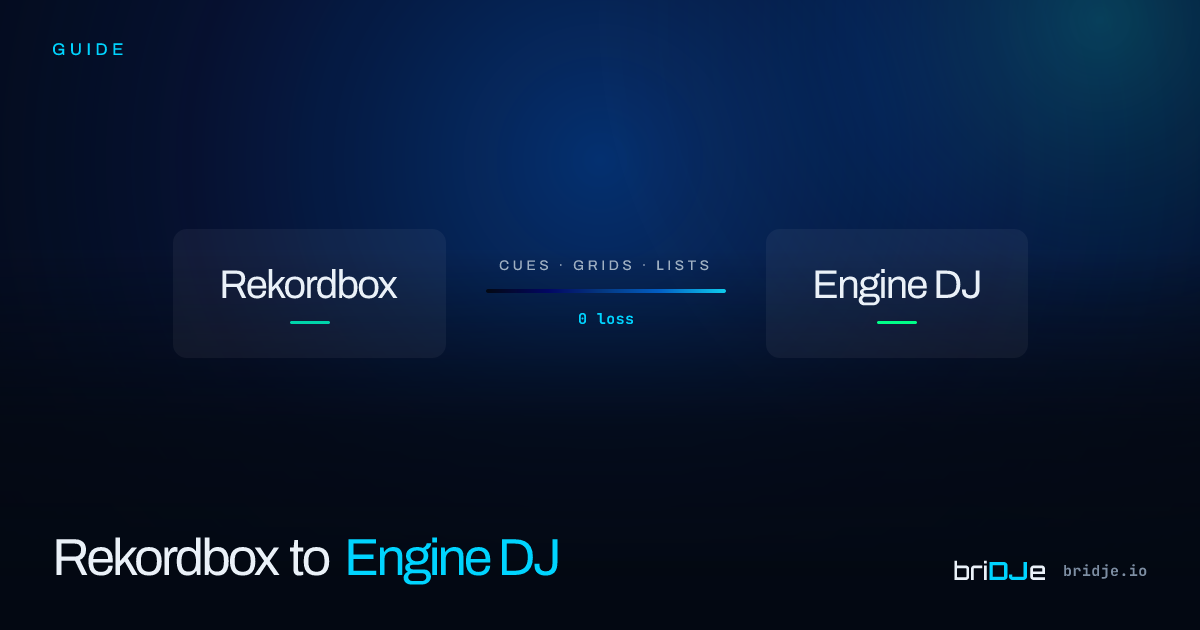
Passare da Rekordbox a Engine DJ su un Prime 4: un piano di migrazione pratico
Hai comprato il Prime 4. Hai 8.000 brani, 40.000 cue e nessun weekend libero per ricostruire la libreria da zero.
Ecco il piano.
Passo 1 — Esporta la libreria di Rekordbox come XML
In Rekordbox, vai su File → Export Collection in rekordbox xml format. Questa operazione crea un’istantanea portatile dell’intera libreria — brani, cue, grid, playlist e tutto il resto.
Passo 2 — Importa in briDJe
Apri briDJe, seleziona Rekordbox XML come sorgente e puntalo al file XML esportato. briDJe legge tutto: 8 slot cue per brano, ancoraggi del beat grid, cartelle delle playlist, BPM, tonalità.
Passo 3 — Anteprima dry-run
Prima di scrivere qualsiasi cosa su Engine DJ, esamina l’anteprima dry-run. Fai attenzione alla mappatura dei colori dei cue — Engine DJ usa una palette di 8 colori diversa. briDJe ti mostra il prima/dopo per ogni colore.
Passo 4 — Esporta su Engine DJ
Fai clic su Export. briDJe scrive direttamente nel database SQLite di Engine DJ. Apri Engine DJ — la tua libreria, completa.
L’intero processo richiede circa 20 minuti per 8.000 brani su un Mac moderno. Al Prime 4 non importa come ci hai messo la libreria. Lui suona e basta.