Switching from rekordbox to Engine DJ: a practical migration plan
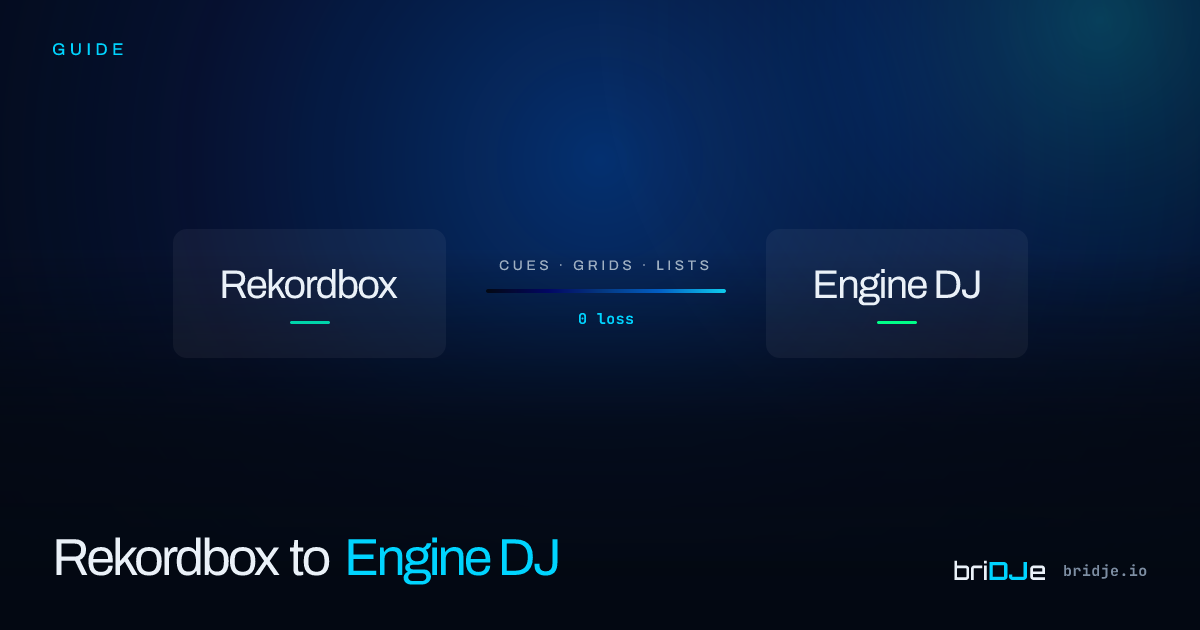
You’re moving to Engine DJ. You have 8,000 tracks, 40,000 cues, and no weekends free to rebuild your library from scratch.
Here’s the plan.
Step 1 — Export your rekordbox library as XML
In rekordbox, go to File → Export Collection in xml format. This creates a portable snapshot of your entire library — tracks, cues, grids, playlists, and all.
Step 2 — Import into briDJe
Open briDJe, select rekordbox XML as your source, and point it at the exported XML file. briDJe reads everything: 8 cue slots per track, beat grid anchors, playlist folders, BPM, key.
Step 3 — Preview the export
Before writing anything to Engine DJ, review the read-only export preview. Pay attention to cue colors, since Engine DJ handles them differently. The preview flags known limits, such as unnumbered memory cues, but it won’t catch everything.
Step 4 — Export to Engine DJ
Click Export. briDJe writes directly to Engine DJ’s SQLite database. Open Engine DJ and check a few tracks.