SeratoのホットキューがRekordboxに引き継がれない理由(と解決方法)
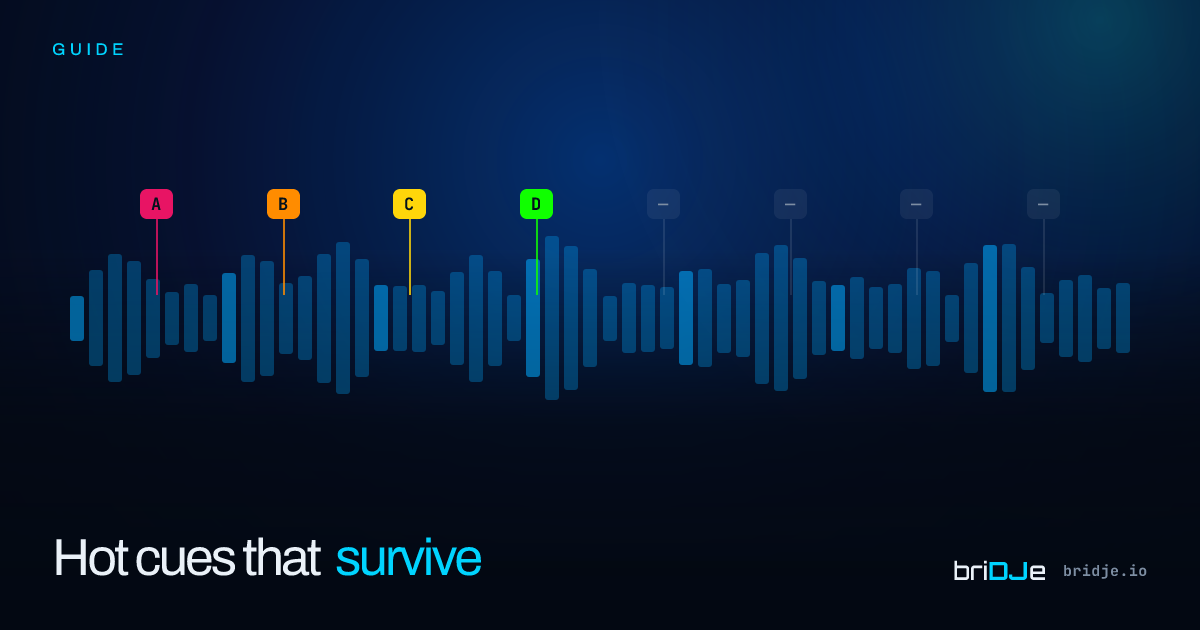
SeratoからRekordboxにトラックのフォルダをドラッグしたとき、すべてのホットキューが音もなく消え去るのを目の当たりにしたことがあるなら、それはあなただけではない。プラットフォームの移行を強いられたDJが直面する、最もありふれた問題のひとつだ。
端的に言えば、どちらのプラットフォームもキューメタデータを保存しているが、保存場所も、フォーマットも、慣習も異なる。どちらかが間違っているわけではない。ただ、異なる世界のために作られただけだ。
Seratoがキューポイントを実際に保存する場所
Seratoはキューメタデータを、オーディオファイルのID3v2タグに Serato Markers2 というカスタムGEOBフレームとして書き込む。このフレームの中には、配置したすべてのキュー、ループ、色情報を含むbase64エンコードされたバイナリブロブが格納されている。洗練された仕組みだ——キューはファイルとともに移動する。
Rekordboxはキューメタデータを独自の中央データベース——macOSでは .edb というSQLiteファイル——に保存する。SeratoのGEOBフレームは読み取らない。Rekordboxから見れば、ID3タグにはキュー情報が一切存在しない。
同じMP3を両方のアプリに取り込んだとき、Seratoではグリッドとキューが揃ったトラックとして表示され、Rekordboxではキューがゼロのトラックになるのはこのためだ。ファイルは同一だが、データベースは違う。
Seratoから「エクスポート」したときに起こること
Seratoの内蔵エクスポート機能には既知の制約がある。Rekordbox互換のXMLを出力するが、キュー色のマッピングは近似であり、ループポイントは往復で失われることが多く、キュー名は切り詰められる。数千トラックを超えると、エクスポートに数十分かかり、ときにはクラッシュする。
必ず壊れる三つの要素
- キュー色 —— Rekordboxはプリセットの8色パレットを使用するが、Seratoは任意のHEXカラーを許容する。1対1のマッピングは存在しない。
- ループポイント —— Seratoはループをキューとは別に保存するが、Rekordboxはループをキューの一種として扱う。
- メモリーキューとホットキュー —— Rekordboxはメモリーキュー(ナビゲーション用)とホットキュー(パッドトリガー用)を区別する。Seratoは区別しない。
briDJeによる変換の仕組み
briDJeはソースライブラリをネイティブフォーマットで読み取る——SeratoならGEOBフレーム、RekordboxならSQLiteデータベース。変換はメモリ上で行われ、色、ループ、キュー種別に対して決定論的なマッピングマトリクスが適用される。
$ bridje sync --from rekordbox --to serato --dry-run
→ scanning rekordbox library... found 1247 tracks
→ parsing cue metadata... 5843 cues, 312 loops, 89 memory cues
→ mapping 8-color palette (rekordbox → serato)... OK
→ would write: 1247 tracks · 5843 cues · 312 loops
→ dry run complete — no changes made
常に、確定前に転送内容をプレビューできる。すべての操作はデフォルトでドライランモードで実行される。
これが意味すること
今日ライブラリを移行するなら、Serato内蔵のRekordboxエクスポートに大切なものを委ねてはいけない。専用ツールを使い、ドライランモードでプレビューし、残りの九千トラックを信用する前に十トラックをスポットチェックすること。
briDJeは15トラックまで無料で試せる——確定前に、自分のキュー設定スタイルで転送が正しく動作するかを検証するには十分な数だ。