briDJe User Manual
Settings and Recovery
Last updated
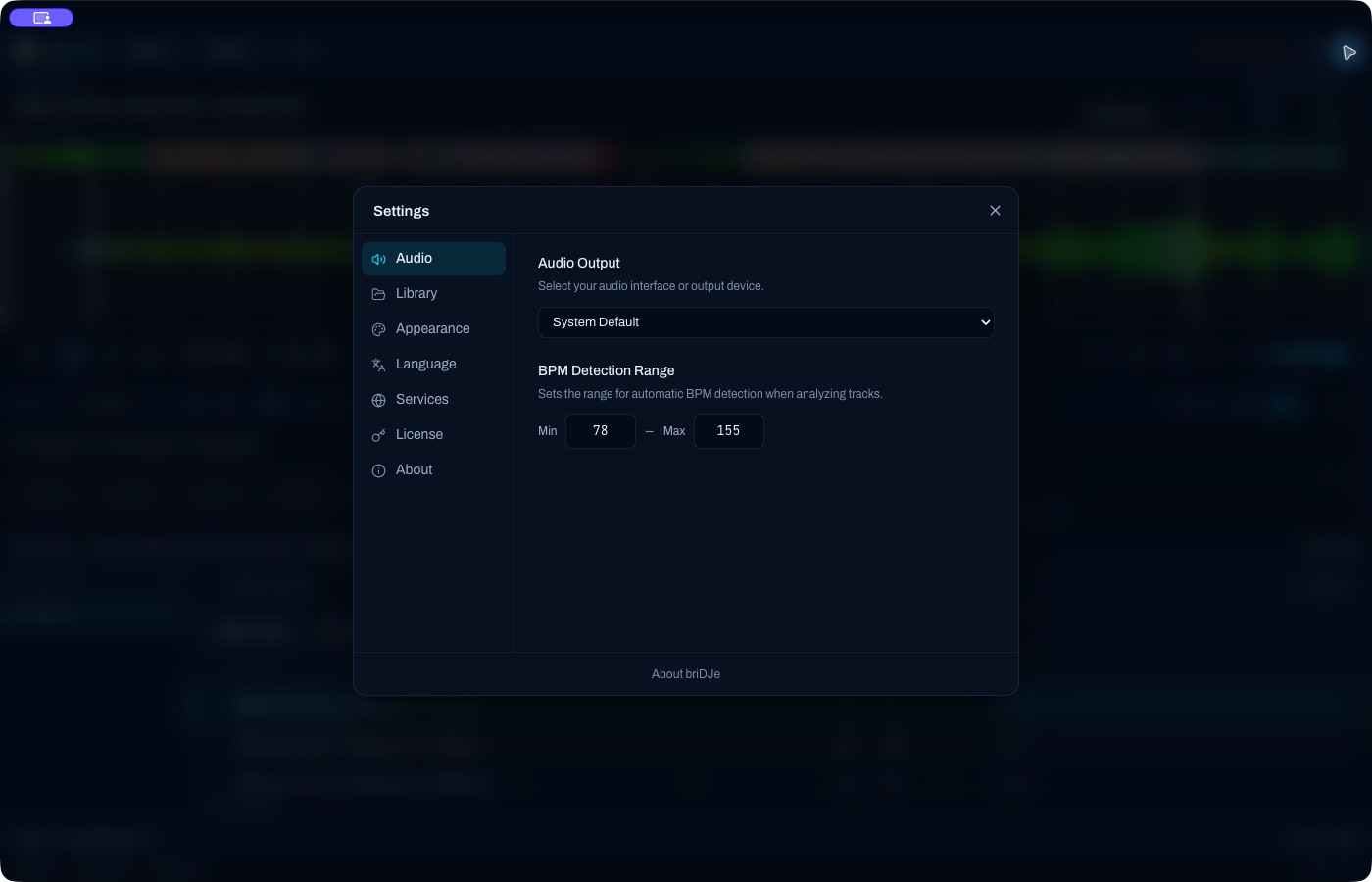
Settings
Press Cmd/Ctrl+,. Sections:
- Audio: output device and BPM range.
- Library: saved folder paths, importing a saved folder, key notation, duplicate policy (prefer incoming or merge existing) and Missing files.
- Appearance: dark, light or system, and the downbeat color.
- Language, Services (optional Discogs), License, and About (version and update check).
Missing files
Go to Settings → Library → Missing files.
- Drive unplugged? Reconnect it and click Recheck connected drives.
- One file moved? Use Locate audio file.
- Whole folder moved? Use Find other tracks in this folder. It matches the old relative paths against the new root.
Adding a folder path alone doesn’t guarantee a relink, and briDJe doesn’t match on filename only, so duplicates across folders aren’t silently confused.
Blank waveform
- Confirm the file is mounted and the path is right.
- Confirm the codec decodes. Recognizing a file type doesn’t guarantee it plays; DRM-protected or encrypted files aren’t supported.
- Load the track, then run Analyze Track from its context menu.
- Read Activity for the error summary.
Your DJ preparation is protected, so you don’t have to reimport and risk losing edits (Preparation and Reimport).
License and the free limit
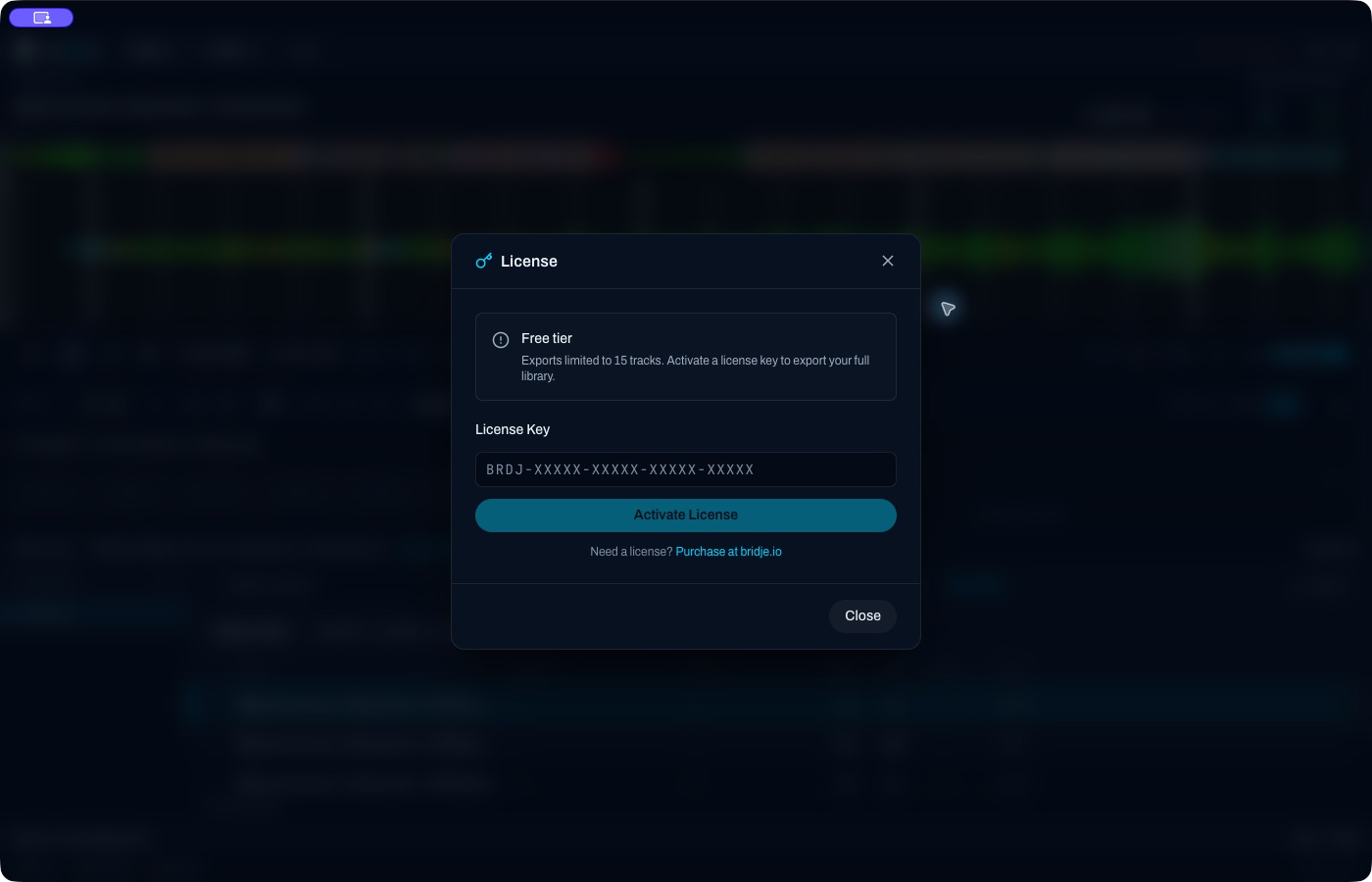
A BRDJ license key is entered in the License screen (paste it exactly as issued) and activates over the network. The cached activation currently supports up to 14 days offline after a successful refresh, subject to its actual expiry; briDJe attempts a refresh at most once every 24 hours. If it has expired, reconnect to refresh.
The device quota appears in the License screen. Deactivating online releases the slot on the server; there is no guaranteed offline release.
The free import lock tracks a high-water mark of 15 tracks that persists even after you delete tracks. Exports are measured separately: selected unique tracks must be 15 or fewer (Exporting and Backups).
If your OS blocks the app, use the official download or contact support. Don’t use bypass instructions from other sources.
More fixes: Common Errors.